SwingSmith
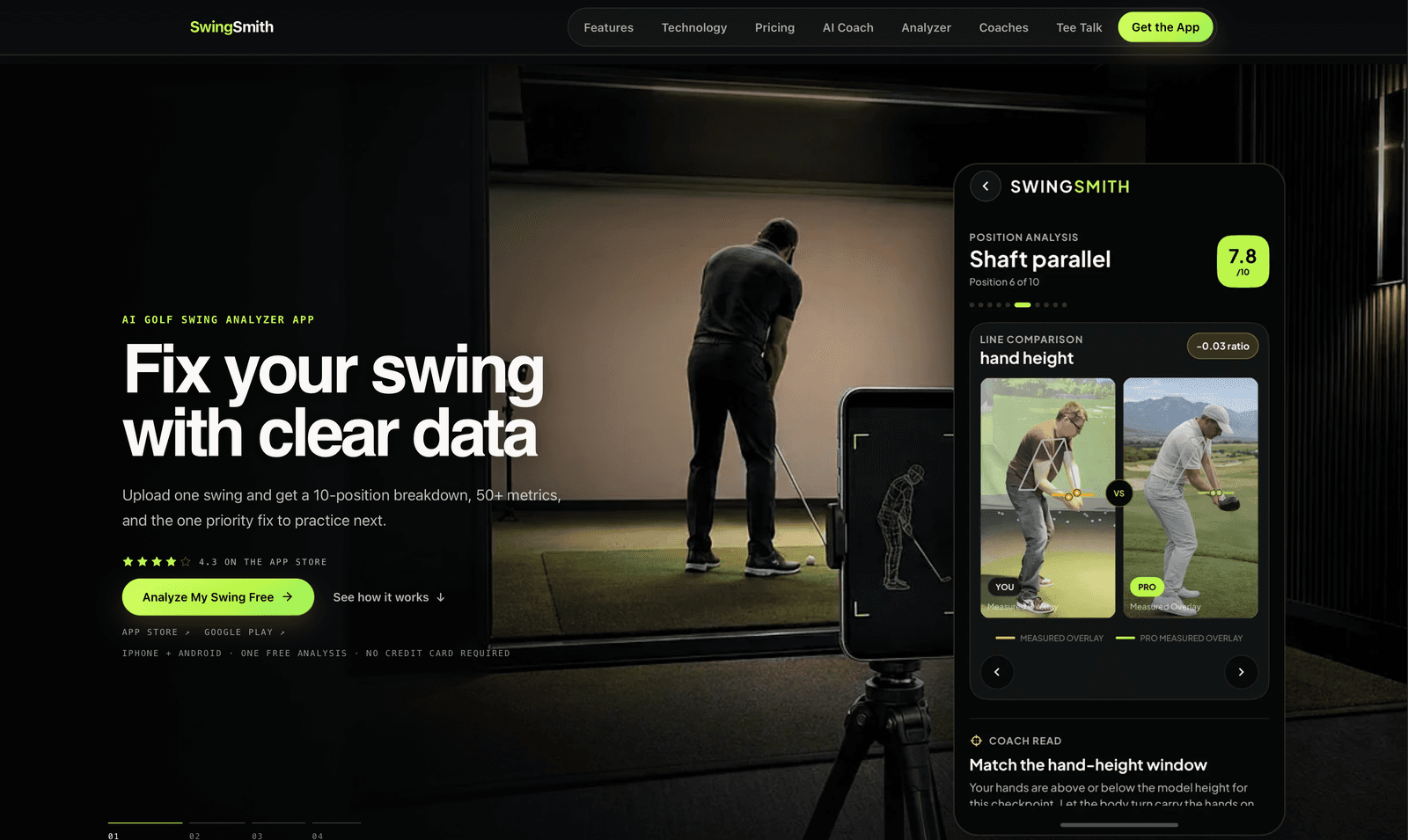
AI golf swing analyser with a 10-position engine and in-app coach
Upload one swing from a phone and get a 10-position breakdown, 50+ metrics, and the single fix worth practising next.
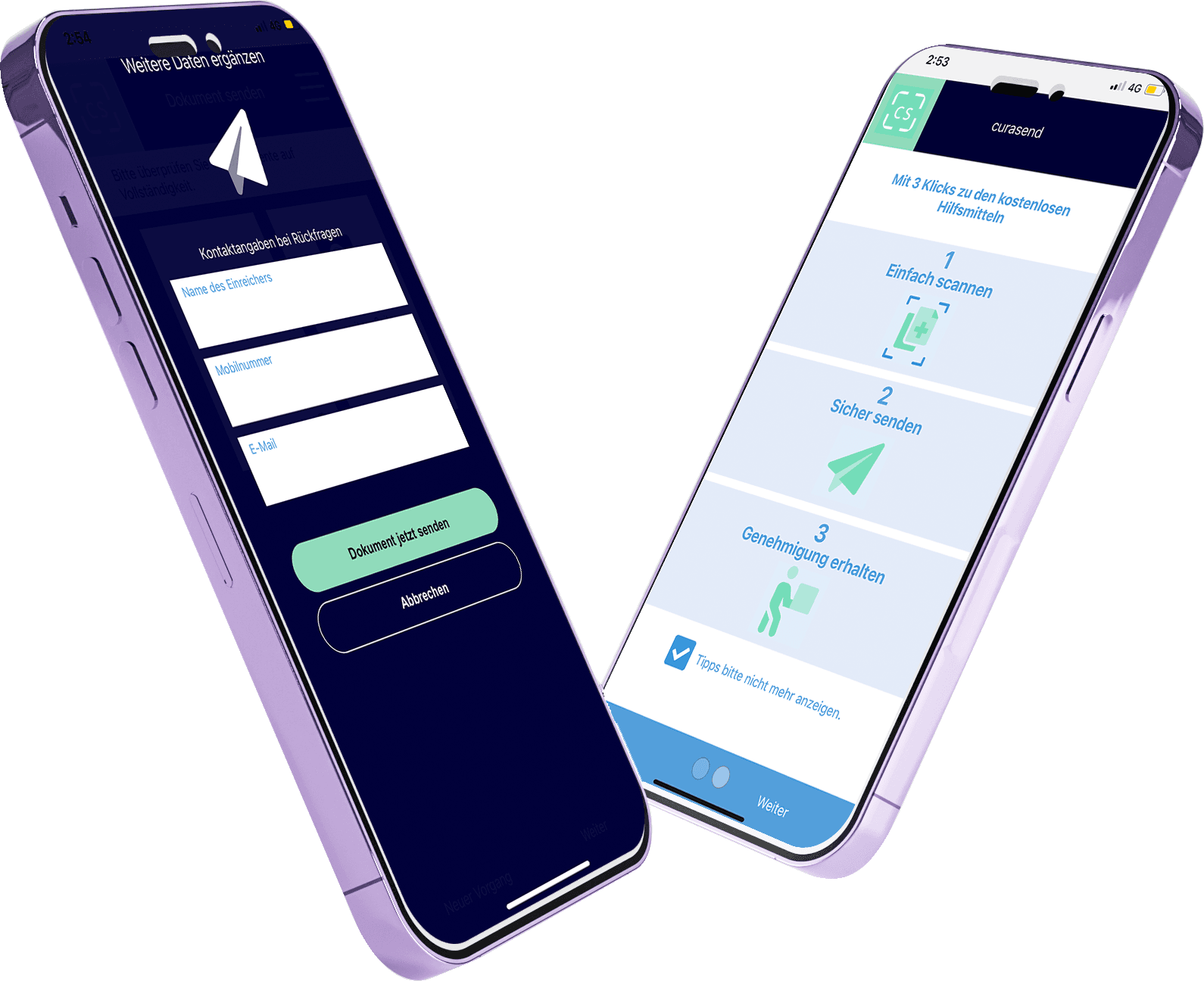
A mobile app that scans, cleans up and submits insurance documents in three taps.
Submitting documents to an insurer is a small task that people reliably put off — find the paperwork, photograph it badly, email it, get told it is illegible, repeat.
The friction is not the sending. It is that a phone photo of a document taken on a kitchen table is skewed, cropped wrong and hard to read, and neither the sender nor the insurer wants to deal with it.
The app captures the document through the phone camera with a guided scanning flow.
Image processing automatically crops the document, straightens it, and enhances text quality and overall page appearance — with a single tap rather than manual adjustment.
AutomaticThe cleaned document is submitted straight to the insurer through a secure channel.
The user receives approval confirmation in the app, closing the loop that email submission leaves open.
The app captures the document through the phone camera with a guided scanning flow. What it catches is whatever the moment allowed: the sheet at an angle, the table around it, the corners where the camera left them. Image processing automatically crops the document, straightens it, and enhances text quality and overall page appearance — with a single tap rather than manual adjustment.
Try it: drag a corner somewhere wrong and watch the result warp, then let it find the page.
A straight page can still be a bad one: grey paper, a shadow across one corner, text gone soft and faint. The same tap enhances text quality and the overall page appearance, so the file the insurer opens is one they can actually work with.
Drag across the page to compare, and switch each improvement off to see what the other does alone.
One tap does both — no manual adjustment.
The cleaned document is submitted straight to the insurer through a secure channel.
The user receives approval confirmation in the app, closing the loop that email submission leaves open. Email never tells the sender where their document stands; the app does.
The illustrations above use this page's palette. This is Curasend itself: the three steps on its opening screen, and the send screen that asks for contact details in case the insurer has questions.

Document submission reduced to three taps
Legibility problems removed before the insurer ever sees the file
In-app confirmation replacing email uncertainty

AI golf swing analyser with a 10-position engine and in-app coach
Upload one swing from a phone and get a 10-position breakdown, 50+ metrics, and the single fix worth practising next.

Construction takeoff and bidding from architectural PDFs, in minutes
Reads architectural PDFs, detects the scale on its own, measures only the trade you work in, and returns quantities, labour hours and a bid — then pushes the work into your CRM.

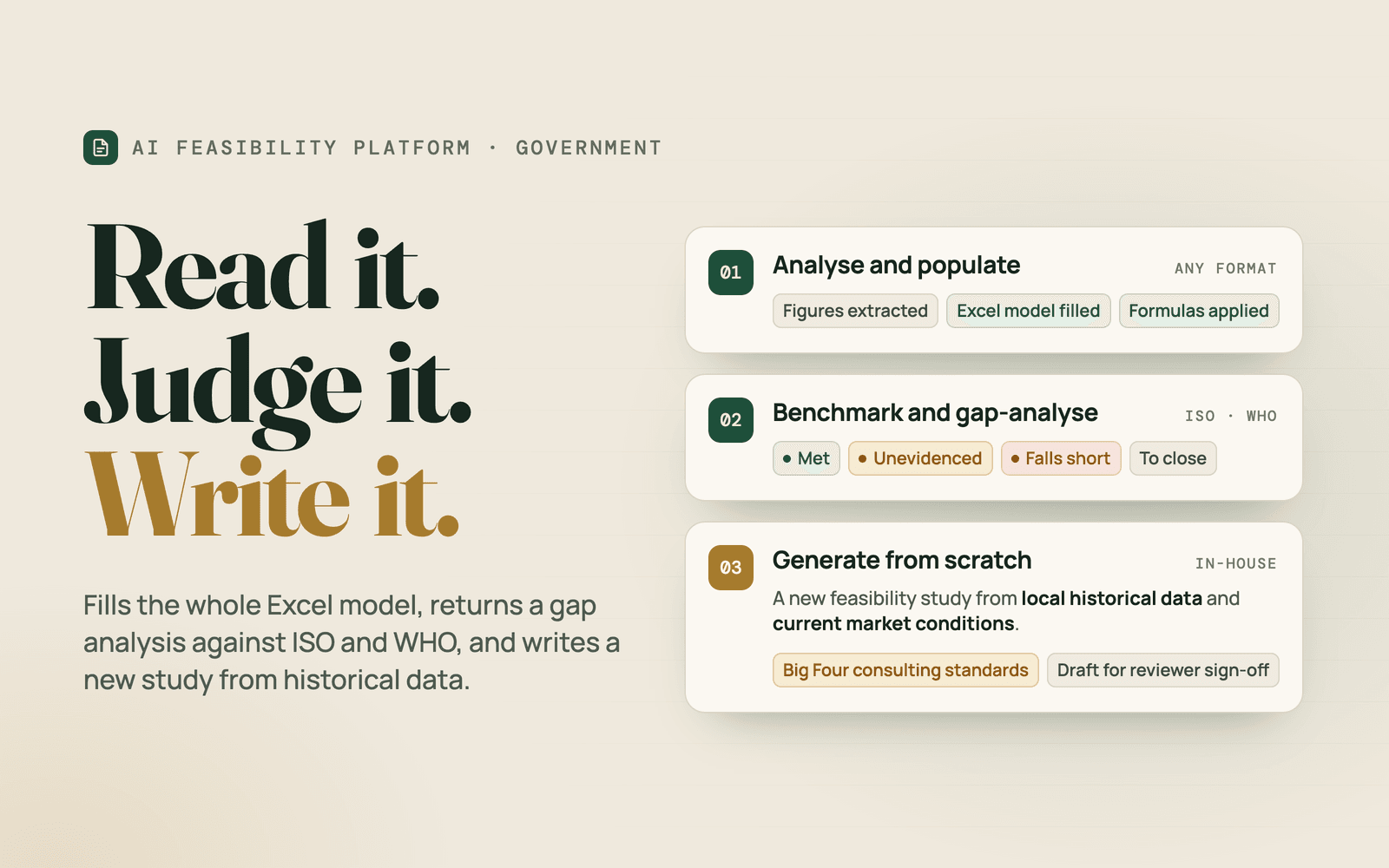
Three modules that read a feasibility study, judge it, and write a new one from scratch
Three modules: one reads a feasibility and fills the whole Excel model, one benchmarks it against world standards and returns a gap analysis, and one generates an entirely new professional feasibility from historical data.