Skip to content
Aufgaben Management · Task platform

Task, project and deadline management for delivery teams

Assignment, progress tracking and collaboration in one place, so teams know who owns what.

Every task has an owner. Clear ownership and visible progress across projects, meetings and deliverables.

Task · Design stageCompleted

Design changes

Lena Hartmannassigned by Mira Schulz · responsibility recorded
Files 1 Notes 0 Comments 1
ImplementationProject progress
Planning
Design
Testing
Maintenance
06/06Completed, and the project moves on to Testing
Illustrative task and names
Client
Aufgaben Management
Industry
Enterprise
Region
Germany
Year
2022
The problem

Projects slip in the gaps between people.

Work that nobody explicitly owns is work nobody does, and the fact usually surfaces at the deadline rather than before it.

Progress tracking spread across email, spreadsheets and meetings means no single view of whether a project is actually on schedule.

Email

“Can someone pick up the test plan?”

No reply. No owner.
Spreadsheet

Design changes: in progress?

Last edited three weeks ago.
Meeting

“Should be fine for the deadline.”

Nobody minuted who said it.
The question nobody can answer from one placeIs this project actually on schedule?

Illustrative

01 Assign explicitly

A task with nobody's name on it is a task nobody does.

Tasks are assigned to specific team members, so responsibility is recorded rather than assumed.

  • A named person, not a team or a thread. Each task is assigned to a specific team member.
  • Nobody has to assume. Who is responsible is written against the task, not implied by who happened to be in the meeting.

Task, project and deadline tracking with explicit per-member assignment.

Board · Sample projectIllustrative sample
2 tasks have no owner. Nobody is responsible for them yet.
Waiting3
In progress2
Delayed0

Nothing delayed

Completed2
SelectedTest planWaiting
Assign to
Move to
Record

Assign or move a task, and the change is recorded here.

Choose a task, give it an owner, move it between states.

02 Track progress visibly

Four states per task. One view of the project.

Completion, waiting, in-progress and delayed states roll up into project-level progress, with implementation stages from planning through maintenance.

  • Completed, waiting, in progress, delayed. Every task is in exactly one, in the colour the product's legend gives it.
  • Rolled up to the project. Task states add up to project-level progress, so nobody has to assemble it by hand.
  • Implementation stages from planning through design and testing to maintenance, on a track that moves with the work.

Progress tracking across completion states and implementation stages.

Sample project · ImplementationIllustrative
Planning
Design
Testing
Maintenance
  • Completed3
  • Waiting4
  • In progress0
  • Delayed1

Counts of the 8 sample tasks.

Planning
  • Requirements sign-offCompleted
  • Milestone planCompleted
Design
  • WireframesCompleted
  • Design changesDelayed
Testing
  • Test planWaiting
  • Acceptance testingWaiting
Maintenance
  • Release checklistWaiting
  • Support hand-overWaiting
A design task slips. “Design changes” runs past its date. It shows as Delayed on the project view, where everyone can see it.
The point of it

Status before the deadline, not at it.

Ownership and visible states exist for one moment: the week something starts to slip. When that shows up against a named owner, there is still time to do something about it. When it lives in someone's inbox, it surfaces at the deadline, and by then it is a fact rather than a risk.

Drag today across a sample plan and watch when each side finds out.

Deadlines · Sample projectIllustrative sample
Requirements sign-offCompleted
WireframesCompleted
Design changesDelayed
API endpointsIn progress
Acceptance testingWaiting
Tracked in Aufgaben Management

Delayed: “Design changes”

Owned by Lena Hartmann, and visible to the whole team with 3 weeks still to the deadline.

Tracked across email, spreadsheets and meetings

No single view. Each person knows their own part.

Whether the project is on schedule is a question nobody can answer from one place.

Drag “today” across the plan, or press play.

03 Collaborate in context

The conversation lives on the task it is about.

Team members work together on tasks by sharing files, notes and comments against the work itself rather than in a separate thread.

  • Files attached to the task they belong to, so the latest version is where the work is.
  • Notes for what everyone on the task should know.
  • Comments for the back-and-forth that would otherwise be an email chain.

Collaboration through shared files, notes and comments.

Task · Design changesIllustrative sample
Sample project · Design stage

Design changes

In progress
OwnerLena Hartmann Assigned byMira Schulz Waiting on itJonas Weber
  • Mira SchulzMon

    The client wants the header spacing tightened on mobile.

  • Lena HartmannTue

    Updated in v2, attached above.

  • Jonas WeberTue

    Picking up the build once this is signed off.

Switch tabs and add something. Posting as Mira Schulz; leave it blank for a sample line.

04 Keep the surrounding work together

Meetings, invoices, revisions and requirements, filed where the work is.

Meetings, invoices, revisions and requirements sit alongside the tasks they relate to.

A revision request makes sense next to the task it changes; a requirement, next to the work that has to meet it. Nothing about a project needs looking for somewhere else.

Meetings, invoices, revisions and requirements held against the project.

Project · Sample projectIllustrative sample
Meetings
Tasks
  • Requirements sign-off
  • Wireframes
  • Design changesheld here
  • Test plan

Open a door, pick a record, see which task it belongs to.

How it's built

One product, on the phone and in the browser.

A mobile app and a web application over one server and one database, so a task assigned on a laptop is the same task its owner opens on their phone.

Interface
  • React Native mobile app
  • React web application
Server
  • Node.js
  • Tasks, projects, deadlines and assignment
Data
  • MySQL
  • The project record: tasks, owners, states and stages
Outcome

What changed.

Explicit ownership recorded against every task

Project status visible before the deadline rather than at it

Collaboration held against the work rather than scattered across email

Next

Related work.

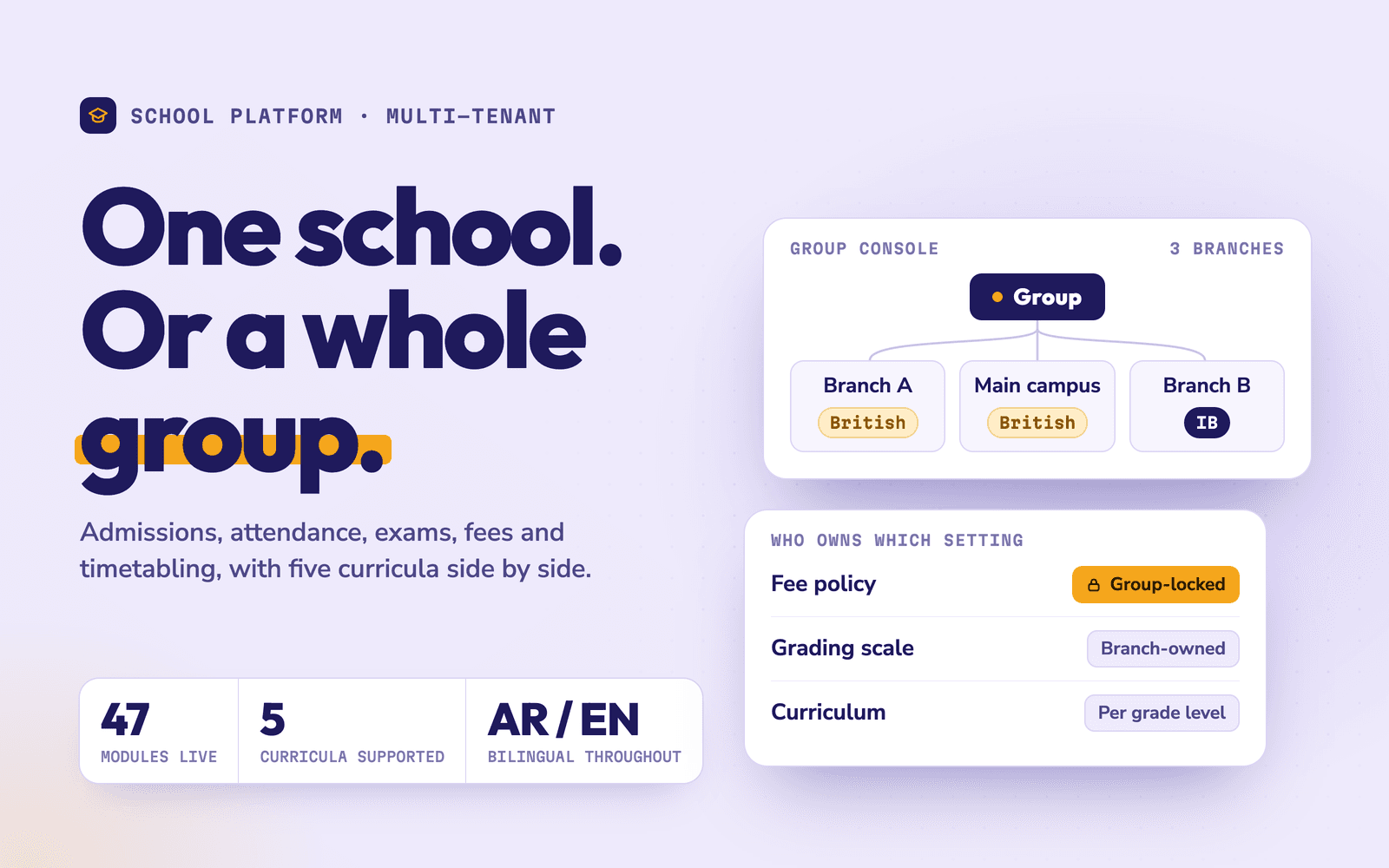
School Management Platform — One platform that runs a single school — or a whole group of them
Flagship

School Management Platform

School operators, single-site and multi-branchEducationOman

One platform that runs a single school — or a whole group of them

A bilingual platform of fifty-five modules — admissions, academics, finance, HR, transport and governance — that a single school can run on its own, and a group can run across every branch from one place.

NestJSNext.jsReact Native
Read case study
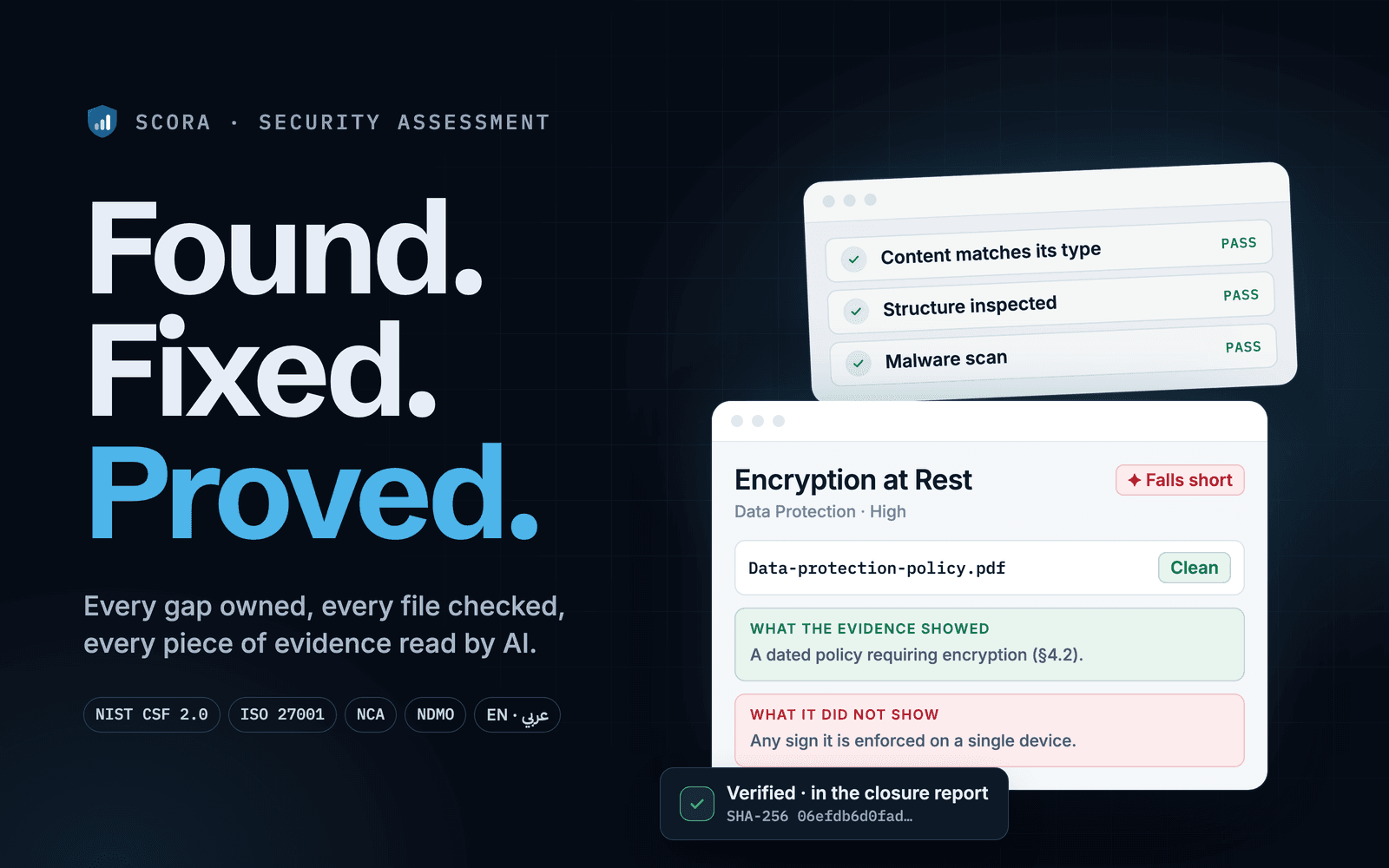
SCORA — Security assessments that end in proof, not a PDF
Flagship

SCORA

SCORAEnterpriseGlobal

Security assessments that end in proof, not a PDF

A security assessment and remediation platform: nine frameworks, every gap routed to an owner, evidence checked and read by AI, and an auditor-ready closure record — in English and Arabic.

Next.jsTypeScriptPostgreSQL
Read case studySee SCORA live
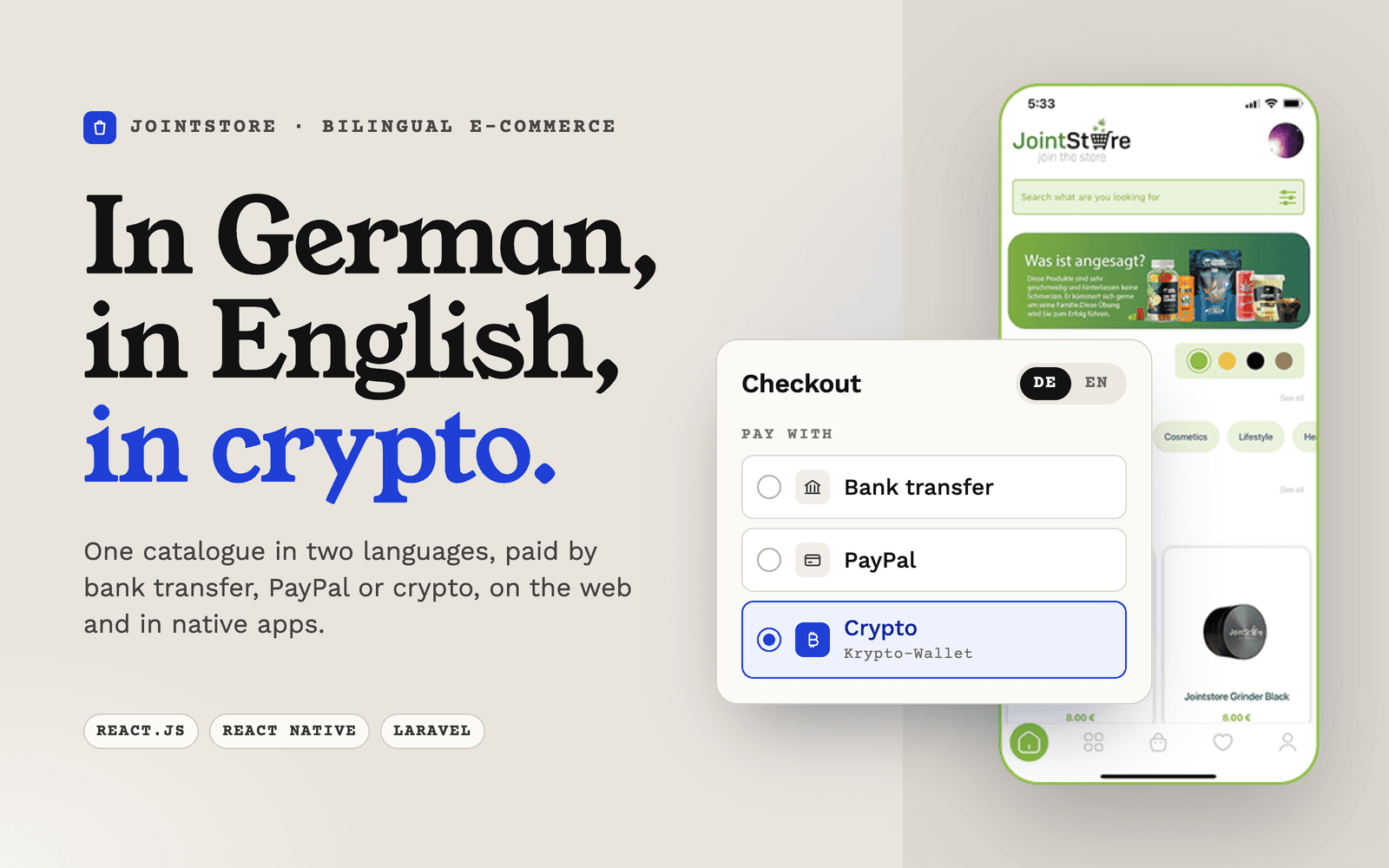
Jointstore — Bilingual e-commerce platform with crypto payments

Jointstore

JointStoreE-CommerceGermany

Bilingual e-commerce platform with crypto payments

A German and English storefront across web and mobile, taking bank transfer, PayPal and crypto.

React.jsReact NativeLaravel
Read case study